Integrations › Luma
Integration ·
Ticketing

Check in Luma guests and print badges at the door

Your event page and registration stay on Luma. The guest list comes over to Streavent with its QR codes. At the door the check-in app scans the code, and the name badge comes straight out of the printer.

Streavent
Streavent
Luma
Veranstalter, die mit Streavent arbeiten
SPD-Bundestagsfraktion DWA DVGW Bundesinstitut für Berufsbildung Universität Ulm Europlanet Society DVR Luminus Laserschutz Smart Village Deutsche Telekom Kertos FTAPI Kreiskliniken Reutlingen

The problem

Registration in Luma, badges from a spreadsheet

Luma makes registration easy: an event page, a form, a QR code for every guest. For the conference or the company event, though, name badges should be ready at the door. Without Luma Enterprise that means exporting the guest list as a CSV, generating a QR code for every row, building a template and printing everything before the event. On the day, someone sorts badges alphabetically, and the badges of everyone who does not turn up stay on the table.

Data flow

How your data moves

The most common flows, each as a live sync.

arrow_forward From Luma into your event

Luma
Attendees
Streavent
Streavent

Luma registrations onto the guest list

Everyone who registered through Luma is on the guest list for the event day in Streavent. From there you check guests in at the door and print their name badges.

Luma
QR codes
Streavent
Streavent

QR codes from Luma for the door

The QR codes come with the guest list. The check-in app from Streavent scans them at the door. You do not need to send new tickets.

Luma
Streavent
Streavent

arrow_back

Streavent
Streavent
Luma

Streavent
Streavent
Luma

Streavent
Streavent
Luma

These are the most common flows, not all of them. Speakers, sponsors, agenda and more sync too, and you can create a whole event straight from your tool.

How it works

How your Luma guests get to check-in

link

Connect Luma with Streavent

We set up the connection to Luma with you. It runs one way, from Luma to Streavent. Your event page, registration form and confirmation emails stay exactly as you built them in Luma.

groups

Bring over the guest list with QR codes

Your guests come over from Luma with their QR codes. You do not build a second list or send new tickets. On the day the list is ready, for scanning and for searching by name.

badge

Check in and print the badge

The check-in app scans the QR code, and the name badge comes straight out of the printer. The printers from Streavent connect over mobile data (LTE) on their own once switched on and need no setup. They do not need venue Wi-Fi: a power socket is enough.

For your team

One event signal for your whole team

how_to_reg

Door: scan, print, done

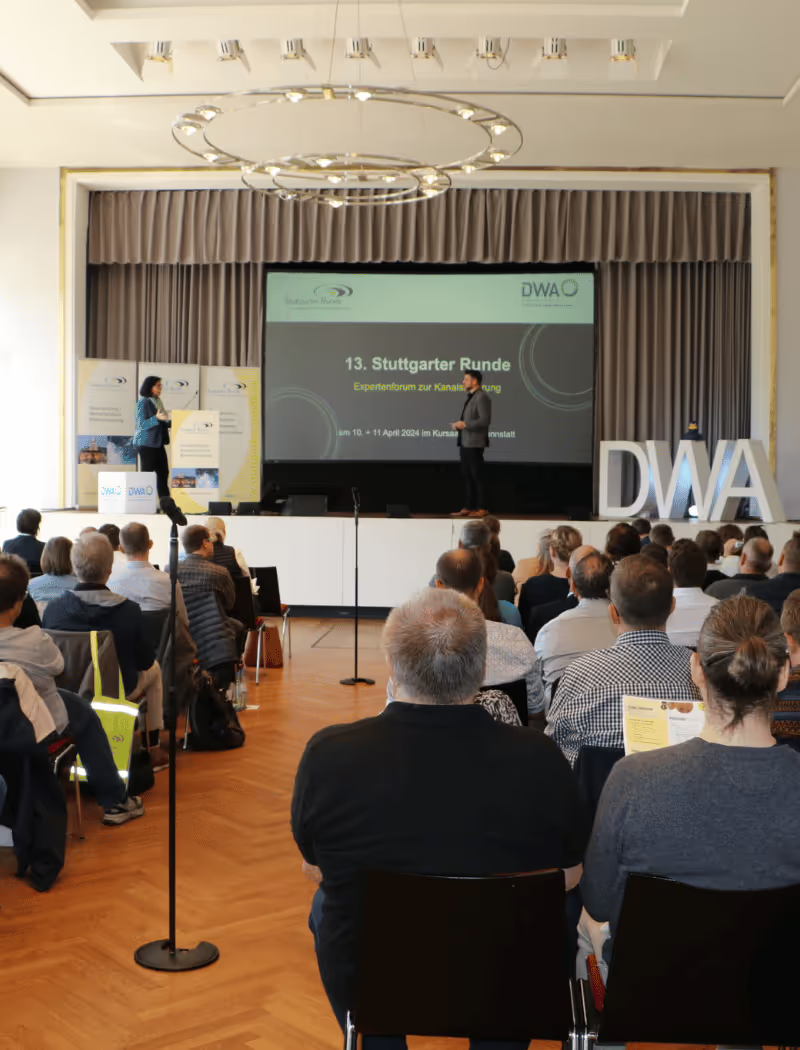
The door team scans the code from Luma, and the name badge prints straight away. Nobody needs pre-sorted badges. Guests without their code to hand are checked in by name search.

event_available

Event management: Luma stays as it is

Event page, registration and emails keep running through Luma, the way your guests know it. Streavent joins for the event day, and you do not have to move registration for it.

insights

Event lead: see who has arrived

The check-in app shows in real time who is there and who is still missing. That status stays in Streavent and does not go back to Luma, because the connection runs one way.

Availability

Set up during onboarding, data protection as standard

We set up the integration together during onboarding, tailored to your systems.

  • GDPR-compliant with a data processing agreement
  • Hosting in Germany, ISO 27001 (in certification)
  • Accessible registration flows (EAA-compliant)

Customer Stories

Loved by event teams across industries

Meet the people behind the events: real teams who plan, run, and scale their events with Streavent.

“We ran the entire event in one system and went live in under a week.”

Christoph Newiger, Co-Founder Research Inititative Ostheopathy

“Our event app basically builds itself, with content syncing automatically from our CRM.”

Stefan Sutor, CEO Medien Bayern GmbH

“We deliver our AI webinars as professional livestreams in top quality, all from one platform.”

Franziska Weindauer, CEO, TÜV AI Lab

“We build event landing pages without an agency, and it shows a clear ROI.”

Christina Armbruster, Marketing Manager, Optigrün international AG

“Check-in was effortless, even volunteers were ready in minutes.”

Ludwig Rabe, Co-Founder Blütezeit Collective & APOGEO Festival

“Digital, hybrid, in-person: the platform gives us full flexibility, with a truly professional look.”

Alexandra Straka, Event Manager, German Road Safety Council

“We ran check-in entirely through the platform, and the analytics help us improve every event.”

Lars Eggers, CEO Seses Drinks & Host AGM Congress

“Our CRM connects directly via API, so we build complete events in just a few clicks.”

Christiane Schäfer, Event Manager, DWA BW

“The all-in-one solution we scale up or down for every event, seamlessly integrated with our CRM.”

Dr. Ricarda Engelmeier, CEO Münchner Management Kolloquium

Luma for registration, Streavent at the door

Show us your next Luma event: we work out with you how many check-in points and printers you need and what your name badges should look like.

FAQ

Frequently asked questions

Streavent is all-in-one event software for professional B2B events with 200 to 5,000 attendees that brings in registrations from Luma. The guest list comes from Luma to Streavent with its QR codes, and on site you check guests in and print name badges. Your event page and registration stay on Luma. Registration, ticketing, check-in, badge printing and event app run in one platform at Streavent, hosted in Germany.

One way, from Luma to Streavent. Your guests come into Streavent with their QR codes, for check-in and badge printing. Nothing goes back to Luma: you see who has checked in inside Streavent, not in Luma. Luma stays your tool for the event page, registration and emails to your guests.

Luma offers on-site badge printing to Luma Enterprise customers. For any other Luma plan, Luma's help center describes the CSV route: download the guest list, generate QR codes, design a template, print in advance. With Streavent you print at the door: the check-in app scans the QR code, and the badge comes out of the printer at check-in. So you only print for guests who actually turn up.

You can. Luma has its own scanner, on the free plan too. Streavent comes in when name badges should be printed at the door: the badge prints at check-in. Guests can also scan themselves at a self check-in station. The printers from Streavent need no venue Wi-Fi for this: a power socket is enough.