

“We build event landing pages without an agency, and it shows a clear ROI.”
Christina ArmbrusterMarketing Manager, Optigrün international AG
Google Tag Manager is the control room for your tags. With Streavent you paste your container ID into one field, and GTM loads on every event page. From there you add, edit or remove GA4, the Meta Pixel and your other tags, without touching Streavent again.












The problem
Every campaign wants another tag on the event page: a conversion pixel, a heatmap, a consent update. Without a tag manager, each one is a ticket to whoever controls the site, and the event is often live before it lands.
Data flow
The most common flows, each as a live sync.
From your event page
You add your GTM container ID to one field, then the container loads on your event page and fires every tag you manage in it, no extra code per tool.
These are the most common flows, not all of them. Speakers, sponsors, agenda and more sync too, and you can create a whole event straight from your tool.
How it works
You copy the GTM container ID from your Tag Manager workspace and paste it into the tracking field in Streavent.
GA4, the Meta Pixel, the LinkedIn Insight Tag, a consent banner: you add and configure each one inside GTM, not scattered across the event tool.
Need a new tag mid-campaign? You add it in GTM and publish. Your event pages pick it up instantly, with no change in Streavent and no developer in the loop.
For your team
Add a conversion pixel or a UTM rule the moment a campaign needs it, and publish it yourself. No ticket, no wait, no dependency on the event team.
Run your consent banner through the same container, so every tag on the event page fires only after the visitor agrees. One rule set governs the lot.
You enter the container ID once and hand the tags to marketing. Every new event page carries GTM automatically, with nothing to maintain per event.
Availability
We set up the integration together during onboarding, tailored to your systems.
Customer Stories
Meet the people behind the events: real teams who plan, run, and scale their events with Streavent.
“We build event landing pages without an agency, and it shows a clear ROI.”
less manual work, content syncs automatically from our CRM.
 Stefan Sutor

“We ran check-in entirely through the platform, and the analytics help us improve every event.”

“We ran the entire event in one system and went live in under a week.”


“Digital, hybrid, in-person: the platform gives us full flexibility, with a truly professional look.”
faster event websites, built by marketing without IT support.
 Christina Armbruster
“Our event app basically builds itself, with content syncing automatically from our CRM.”
“We deliver our AI webinars as professional livestreams in top quality, all from one platform.”

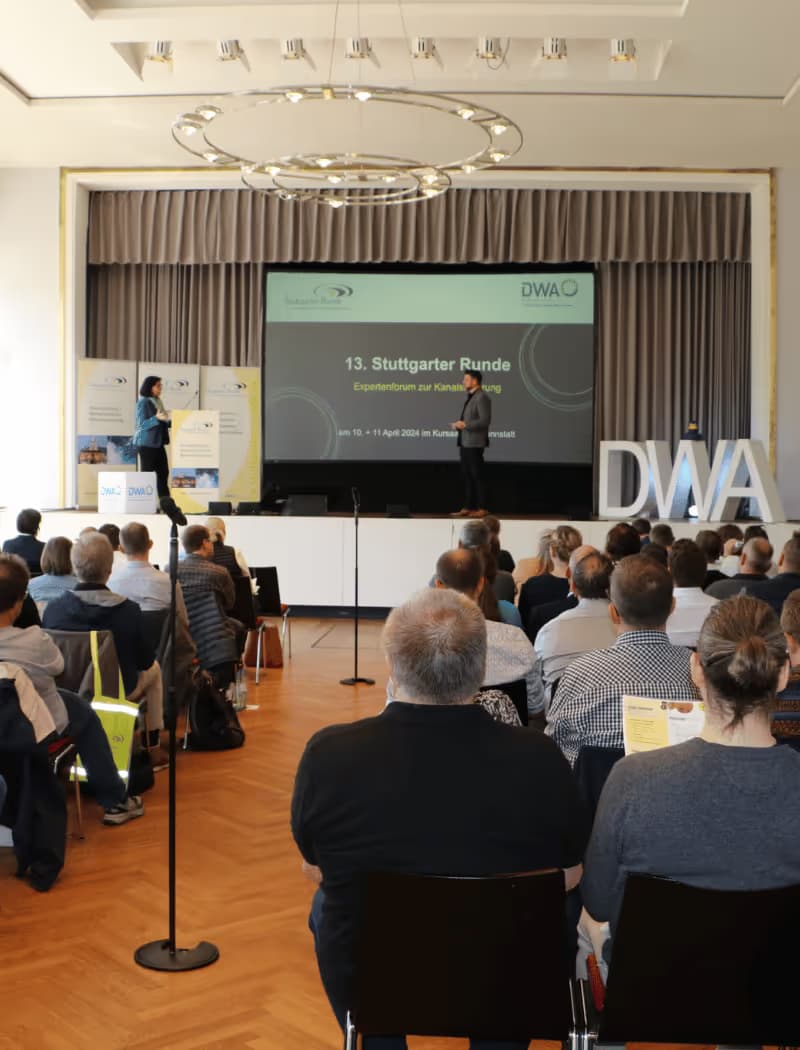
“Our CRM connects directly via API, so we build complete events in just a few clicks.”
less manual work, certificates are generated and delivered automatically.
 Alexandra Straka

“The all-in-one solution we scale up or down for every event, seamlessly integrated with our CRM.”

“Check-in was effortless, even volunteers were ready in minutes.”

“We build event landing pages without an agency, and it shows a clear ROI.”
less manual work, content syncs automatically from our CRM.
Stefan Sutor“We ran check-in entirely through the platform, and the analytics help us improve every event.”
“We ran the entire event in one system and went live in under a week.”
“Digital, hybrid, in-person: the platform gives us full flexibility, with a truly professional look.”
faster event websites, built by marketing without IT support.
Christina Armbruster“Our event app basically builds itself, with content syncing automatically from our CRM.”
“We deliver our AI webinars as professional livestreams in top quality, all from one platform.”
“Our CRM connects directly via API, so we build complete events in just a few clicks.”
less manual work, certificates are generated and delivered automatically.
Alexandra Straka“The all-in-one solution we scale up or down for every event, seamlessly integrated with our CRM.”
“Check-in was effortless, even volunteers were ready in minutes.”
“We ran the entire event in one system and went live in under a week.”
“Our event app basically builds itself, with content syncing automatically from our CRM.”
“We deliver our AI webinars as professional livestreams in top quality, all from one platform.”
“We build event landing pages without an agency, and it shows a clear ROI.”
“Check-in was effortless, even volunteers were ready in minutes.”
“Digital, hybrid, in-person: the platform gives us full flexibility, with a truly professional look.”
“We ran check-in entirely through the platform, and the analytics help us improve every event.”
“Our CRM connects directly via API, so we build complete events in just a few clicks.”
“The all-in-one solution we scale up or down for every event, seamlessly integrated with our CRM.”
FAQ
You copy your container ID from your GTM workspace and paste it into the tracking field in Streavent. From then on the container loads on every page of your event website automatically, from the landing page to the registration confirmation. You then add and manage all your tags inside Google Tag Manager, exactly as you do on your main site. There is no snippet to install in Streavent and nothing to hand to a developer.
All of them. GA4, the Meta Pixel, the LinkedIn Insight Tag, a consent tool such as Cookiebot, heatmaps or custom event tracking: you configure each one inside your container and it applies to every event page. When a campaign needs another tag, you add it in GTM and publish, and the event pages pick it up without any change in Streavent.
No. GTM and the direct fields are two ways to reach the same result. If you run Tag Manager, you can manage GA4, the Meta Pixel and the LinkedIn tag inside the container instead of pasting each ID into its own Streavent field. Most teams that already use GTM prefer to keep everything in one place, and the direct fields stay available for anyone who does not.
Streavent hosts your event pages in Germany with a data processing agreement in place. Through GTM you can load a consent tool such as Cookiebot and set every other tag to fire only after the visitor agrees. Existing consent from your main website can be passed through to the event page, so the same rules that govern your site govern the event, and your tracking stays GDPR compliant.