

“We build event landing pages without an agency, and it shows a clear ROI.”
Christina ArmbrusterMarketing Manager, Optigrün international AG
Streavent speaks OpenID Connect, so attendees and your team sign in with the Google account they already have. One click on the event page, no separate login to distribute, and every account stays governed by the roles you assign.











The problem
Every event platform wants a new account, and every account is one more password people reset at the door. Attendees pick something they forget by the event date, and support spends the morning resetting logins instead of running the day. Sign in with Google removes that account: people use the identity they trust.
Data flow
The most common flows, each as a live sync.
From Google Workspace
Your team signs in with the Google account it already uses. Google confirms the identity, Streavent handles the login and maps groups to roles.
These are the most common flows, not all of them. Speakers, sponsors, agenda and more sync too, and you can create a whole event straight from your tool.
How it works
Streavent adds a Sign in with Google button to your event login. People authenticate through Google over OpenID Connect and land back in your event already signed in.
Google verifies the identity and returns a signed token, so Streavent never stores a password.
Signing in is one half, access is the other. Streavent maps each account to a role, so an attendee sees the event and an organizer sees the admin.
For your team
No account to create, no password to invent. Attendees tap Sign in with Google and land on your event page in seconds, on the identity they use every day.
Your team signs in with the same Google accounts they already use for work. No credentials to email around, no shared password on a sticky note.
Sign-in runs through Google, so your existing account rules and multi-factor prompts still apply. Turn off the Google account, and event access goes with it.
Availability
We set up the integration together during onboarding, tailored to your systems.
Customer Stories
Meet the people behind the events: real teams who plan, run, and scale their events with Streavent.
“We build event landing pages without an agency, and it shows a clear ROI.”
less manual work, content syncs automatically from our CRM.
 Stefan Sutor

“We ran check-in entirely through the platform, and the analytics help us improve every event.”

“We ran the entire event in one system and went live in under a week.”


“Digital, hybrid, in-person: the platform gives us full flexibility, with a truly professional look.”
faster event websites, built by marketing without IT support.
 Christina Armbruster
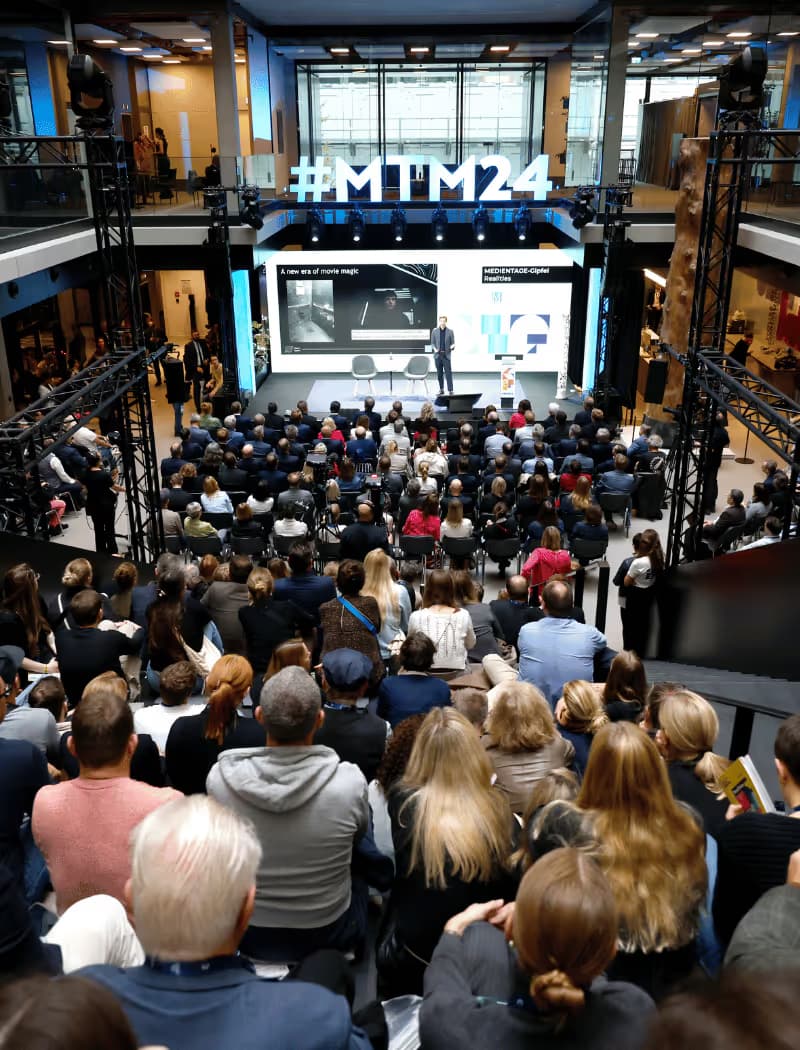
“Our event app basically builds itself, with content syncing automatically from our CRM.”
“We deliver our AI webinars as professional livestreams in top quality, all from one platform.”

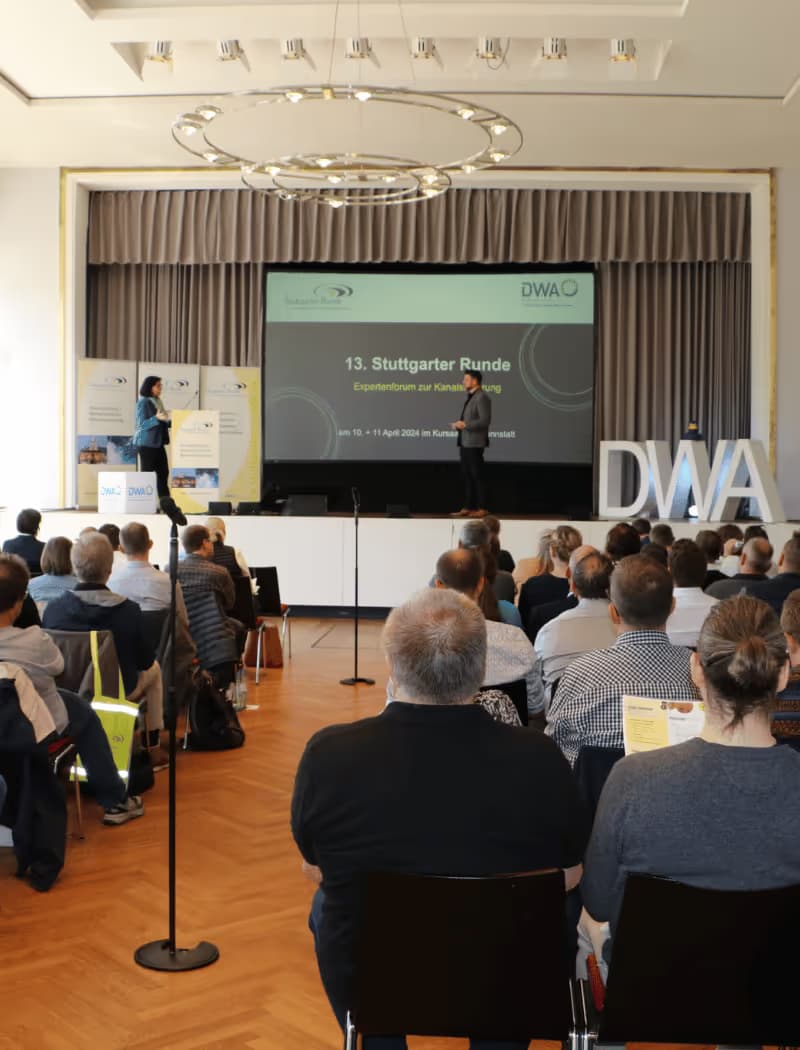
“Our CRM connects directly via API, so we build complete events in just a few clicks.”
less manual work, certificates are generated and delivered automatically.
 Alexandra Straka

“The all-in-one solution we scale up or down for every event, seamlessly integrated with our CRM.”

“Check-in was effortless, even volunteers were ready in minutes.”

“We build event landing pages without an agency, and it shows a clear ROI.”
less manual work, content syncs automatically from our CRM.
Stefan Sutor“We ran check-in entirely through the platform, and the analytics help us improve every event.”
“We ran the entire event in one system and went live in under a week.”
“Digital, hybrid, in-person: the platform gives us full flexibility, with a truly professional look.”
faster event websites, built by marketing without IT support.
Christina Armbruster“Our event app basically builds itself, with content syncing automatically from our CRM.”
“We deliver our AI webinars as professional livestreams in top quality, all from one platform.”
“Our CRM connects directly via API, so we build complete events in just a few clicks.”
less manual work, certificates are generated and delivered automatically.
Alexandra Straka“The all-in-one solution we scale up or down for every event, seamlessly integrated with our CRM.”
“Check-in was effortless, even volunteers were ready in minutes.”
“We ran the entire event in one system and went live in under a week.”
“Our event app basically builds itself, with content syncing automatically from our CRM.”
“We deliver our AI webinars as professional livestreams in top quality, all from one platform.”
“We build event landing pages without an agency, and it shows a clear ROI.”
“Check-in was effortless, even volunteers were ready in minutes.”
“Digital, hybrid, in-person: the platform gives us full flexibility, with a truly professional look.”
“We ran check-in entirely through the platform, and the analytics help us improve every event.”
“Our CRM connects directly via API, so we build complete events in just a few clicks.”
“The all-in-one solution we scale up or down for every event, seamlessly integrated with our CRM.”
FAQ
Streavent connects to Google as an identity provider over OpenID Connect, the standard Google uses for sign-in. You add a Sign in with Google button to your event login, and attendees or team members authenticate with their existing Google account. Google confirms who they are and returns a signed token, so no password is created or stored in Streavent. Each account is then mapped to a role that decides what it can access.
No. Any Google account works, whether it is a private Gmail address or a managed Google Workspace account from a company. Attendees simply choose Sign in with Google and use whatever Google identity they already have. If you would rather restrict sign-in to specific domains or your own organization, that is set on the Google side, not in Streavent.
No. With Google SSO the password never reaches Streavent. Google verifies the identity and returns a signed token that confirms the sign-in. That means one less password for your attendees to manage and one less credential for you to secure, while multi-factor and account policies stay where Google enforces them.
Yes. Sign-in and access are two separate steps. After Google confirms an identity, Streavent maps the account to a role, so attendees reach the event while organizers and staff reach the admin areas they need. Roles and access management are configured with our team as part of your event setup.