

“We build event landing pages without an agency, and it shows a clear ROI.”
Christina ArmbrusterMarketing Manager, Optigrün international AG
The generate buttons are already in Streavent: descriptions, reminders, social posts. Link your OpenAI account and they all draft on the GPT models your team knows by heart, on your key, under your own account.












The problem
Your team already lives in ChatGPT. So why bounce between a chat window and Streavent, copy text across, lose the event context on the way? Link your OpenAI account and the same GPT models draft right where the event lives: no tab-hopping, no paste, no re-explaining what the event is.
Data flow
The most common flows, each as a live sync.
GPT's draft back in Streavent
The generated copy lands right back in the Streavent field you clicked from, description, email or post, ready to trim, approve and publish.
Ask for shorter, punchier or a different angle and GPT redrafts on the spot. Every pass runs on your OpenAI account, so iterating costs you nothing but a click.
Event context out to OpenAI
One click packs the event, its title, date, audience and tone, into a prompt and sends it to your linked OpenAI account, so you never re-type the brief.
Requests go through your own OpenAI key on the GPT model you selected. You see the usage in your account and keep the cost and data on your side.
These are the most common flows, not all of them. Speakers, sponsors, agenda and more sync too, and you can create a whole event straight from your tool.
How it works
Add your OpenAI key to Streavent once and approve the connection. From then on every AI button knows to route through your account.
Pick the GPT model the buttons should use and swap it whenever OpenAI ships a newer one. Your events follow along without any setup work.
Hit the AI buttons where you work. GPT drafts, you refine in Streavent, and the copy stays attached to the event instead of a lost chat thread.
For your team
No more shuttling text between a chat tab and the event. Marketing generates descriptions and posts inside Streavent, with the GPT models they already trust doing the first draft.
A single linked OpenAI account keeps usage in one view. Operations sets the model, decides who may generate, and can disconnect whenever policy changes.
The AI buttons back onto your OpenAI account for the whole team, so a lean crew can fill descriptions, emails and posts across a full event without a writer for each.
Availability
We set up the integration together during onboarding, tailored to your systems.
Customer Stories
Meet the people behind the events: real teams who plan, run, and scale their events with Streavent.
“We build event landing pages without an agency, and it shows a clear ROI.”
less manual work, content syncs automatically from our CRM.
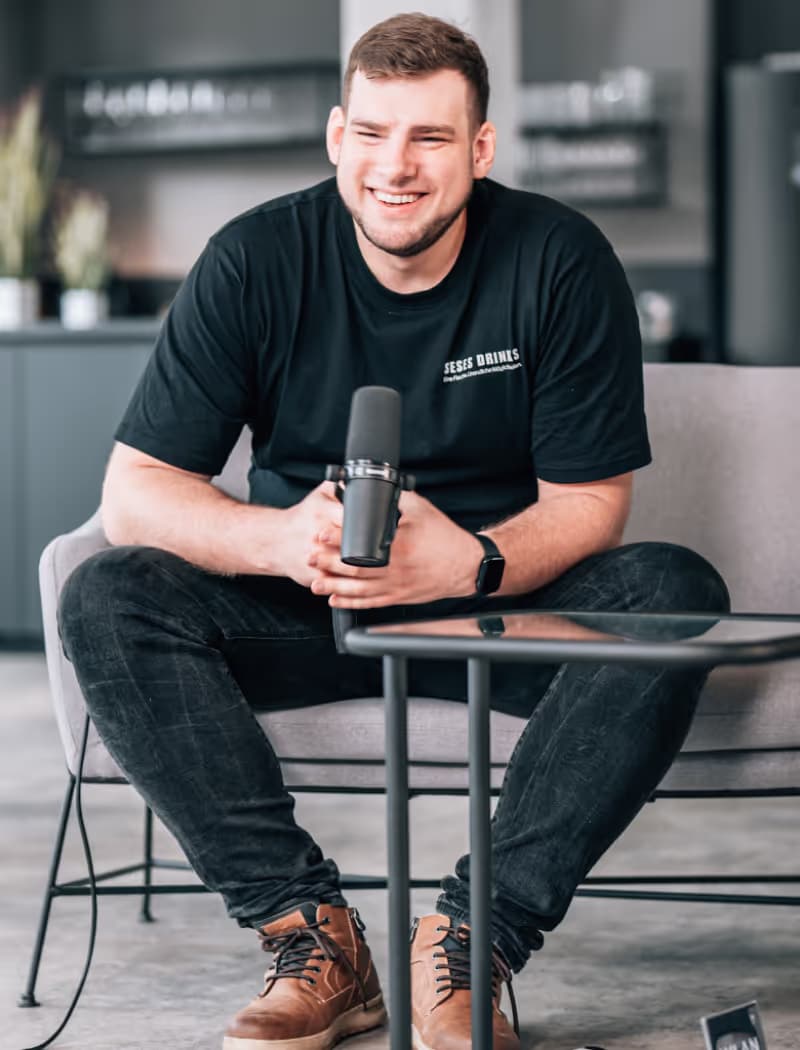
 Stefan Sutor
“We ran check-in entirely through the platform, and the analytics help us improve every event.”

“We ran the entire event in one system and went live in under a week.”

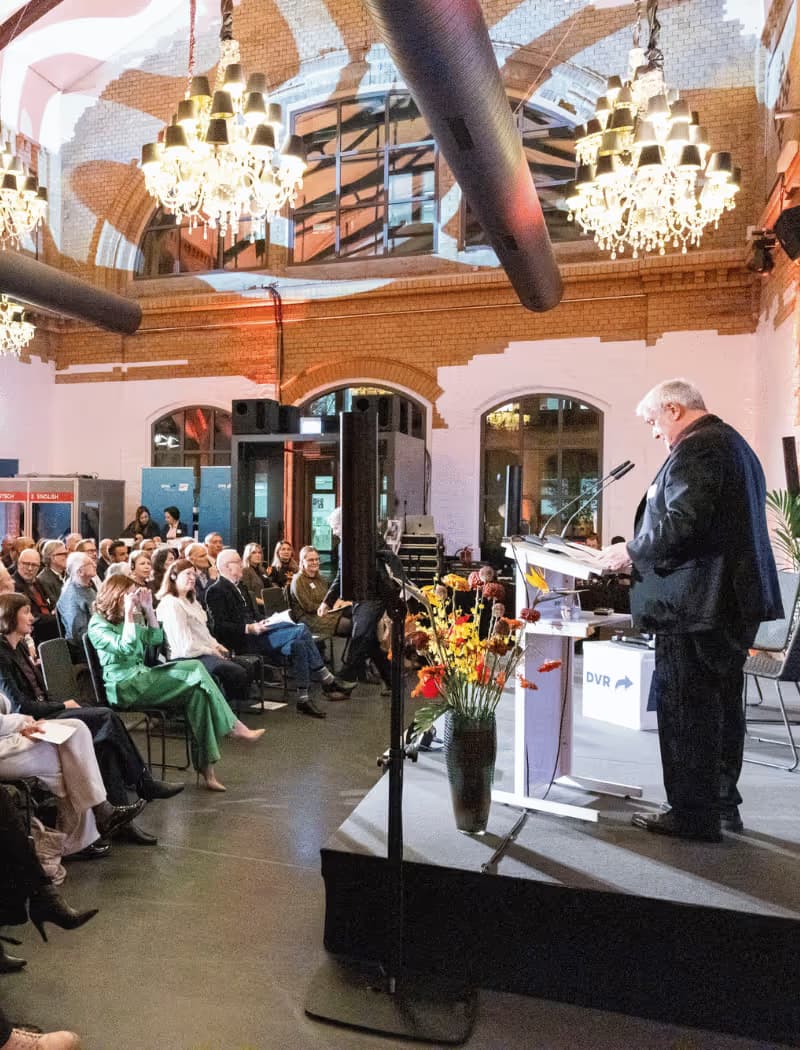
“Digital, hybrid, in-person: the platform gives us full flexibility, with a truly professional look.”
faster event websites, built by marketing without IT support.
 Christina Armbruster
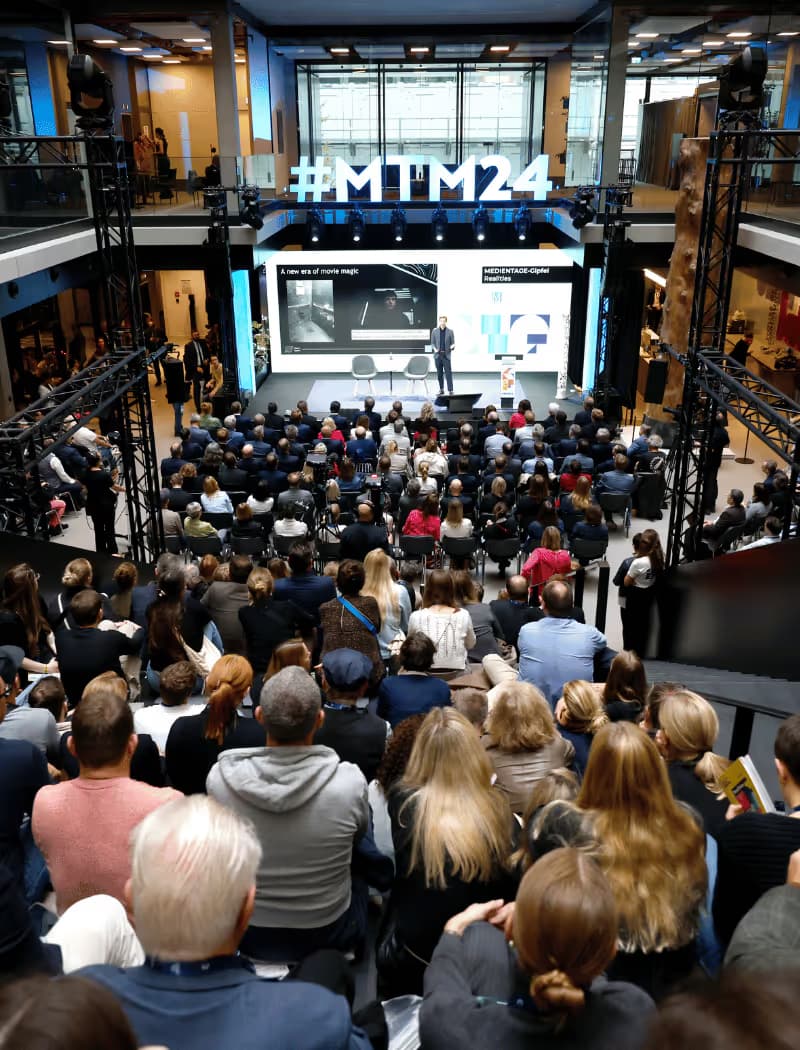
“Our event app basically builds itself, with content syncing automatically from our CRM.”
“We deliver our AI webinars as professional livestreams in top quality, all from one platform.”

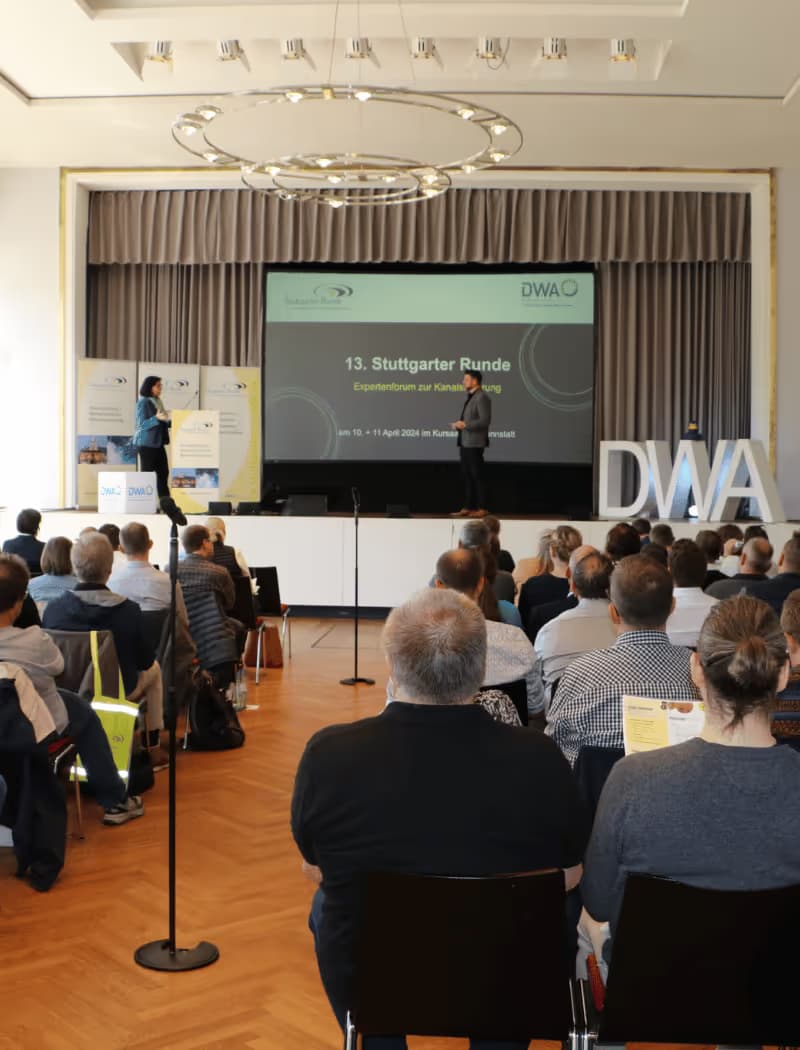
“Our CRM connects directly via API, so we build complete events in just a few clicks.”
less manual work, certificates are generated and delivered automatically.
 Alexandra Straka
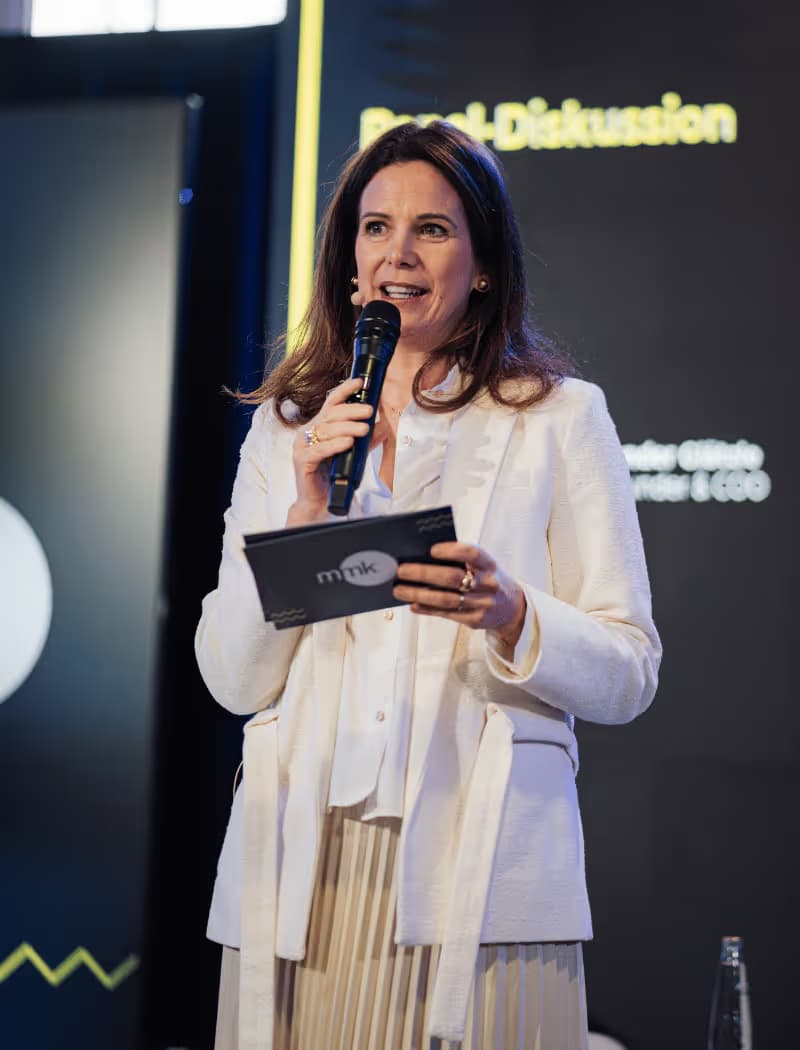
“The all-in-one solution we scale up or down for every event, seamlessly integrated with our CRM.”

“Check-in was effortless, even volunteers were ready in minutes.”

“We build event landing pages without an agency, and it shows a clear ROI.”
less manual work, content syncs automatically from our CRM.
Stefan Sutor“We ran check-in entirely through the platform, and the analytics help us improve every event.”
“We ran the entire event in one system and went live in under a week.”
“Digital, hybrid, in-person: the platform gives us full flexibility, with a truly professional look.”
faster event websites, built by marketing without IT support.
Christina Armbruster“Our event app basically builds itself, with content syncing automatically from our CRM.”
“We deliver our AI webinars as professional livestreams in top quality, all from one platform.”
“Our CRM connects directly via API, so we build complete events in just a few clicks.”
less manual work, certificates are generated and delivered automatically.
Alexandra Straka“The all-in-one solution we scale up or down for every event, seamlessly integrated with our CRM.”
“Check-in was effortless, even volunteers were ready in minutes.”
“We ran the entire event in one system and went live in under a week.”
“Our event app basically builds itself, with content syncing automatically from our CRM.”
“We deliver our AI webinars as professional livestreams in top quality, all from one platform.”
“We build event landing pages without an agency, and it shows a clear ROI.”
“Check-in was effortless, even volunteers were ready in minutes.”
“Digital, hybrid, in-person: the platform gives us full flexibility, with a truly professional look.”
“We ran check-in entirely through the platform, and the analytics help us improve every event.”
“Our CRM connects directly via API, so we build complete events in just a few clicks.”
“The all-in-one solution we scale up or down for every event, seamlessly integrated with our CRM.”
FAQ
For the direct integration you connect your own OpenAI account and the AI buttons run on it, so an active API key is what you need. In higher plans the AI is included, and you can use the features without linking an account of your own.
MCP points inward: an outside AI tool reaches into Streavent through an interface. This points the other way. Your GPT model is wired into Streavent's own AI buttons, so the writing happens inside Streavent rather than in a separate chat app.
Yes. You select a GPT model when you connect your OpenAI account and can move to a newer one whenever OpenAI releases it. The AI buttons pick up the change with nothing to rebuild on your side.
The recurring event copy: descriptions, invitation and reminder emails, LinkedIn and social posts, subject lines. You trigger each one where you need it in Streavent, GPT drafts, and you edit before it ships.